Features in MazView
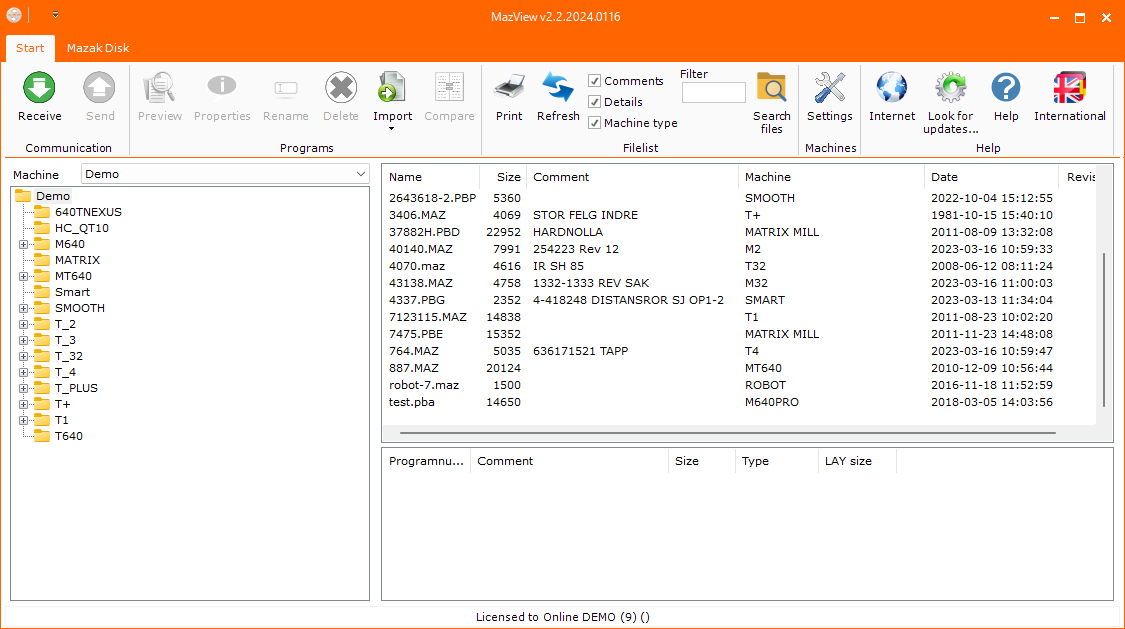
MazView gives you a practical Windows workspace for Mazatrol files: preview programs, organize your library, print readable output, and communicate with supported machines.
Preview before transfer
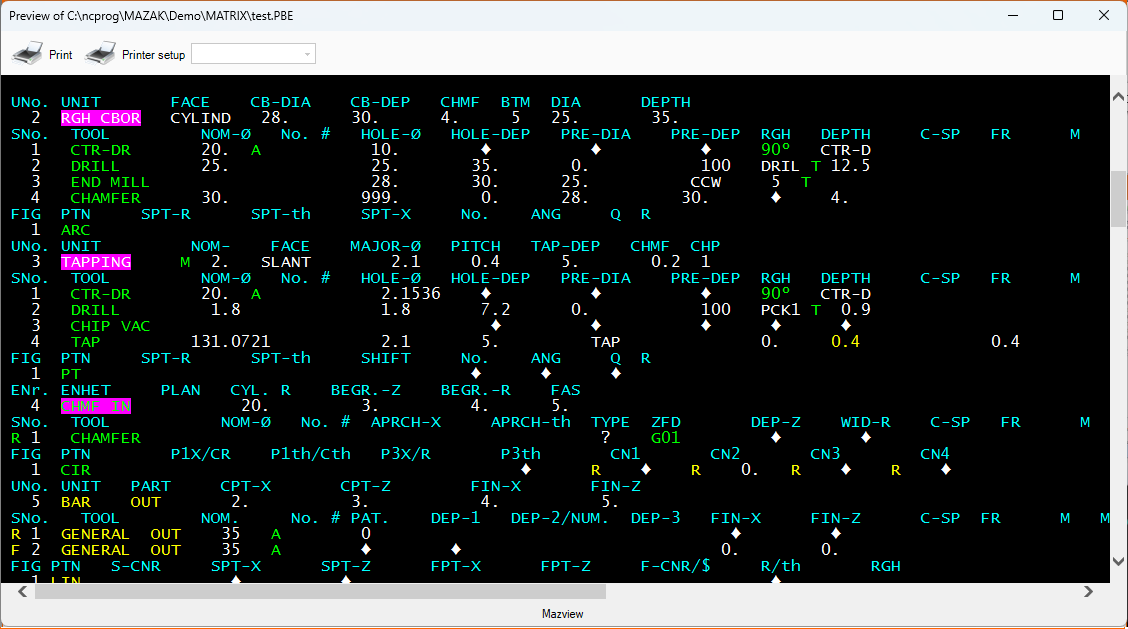
Open Mazatrol files directly on your computer before sending them to the machine. The preview helps you inspect program content, comments, tool list information, and parameters.
Print readable programs
The built-in print function lets you print or save a readable copy of a Mazatrol program for documentation, review, or shop-floor reference.
Organize and document
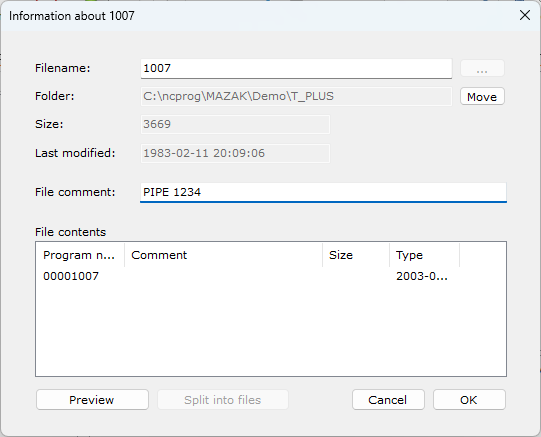
Add your own notes and extra information to Mazatrol files. This information stays inside MazView and is not transferred to the machine.
Compare two programs
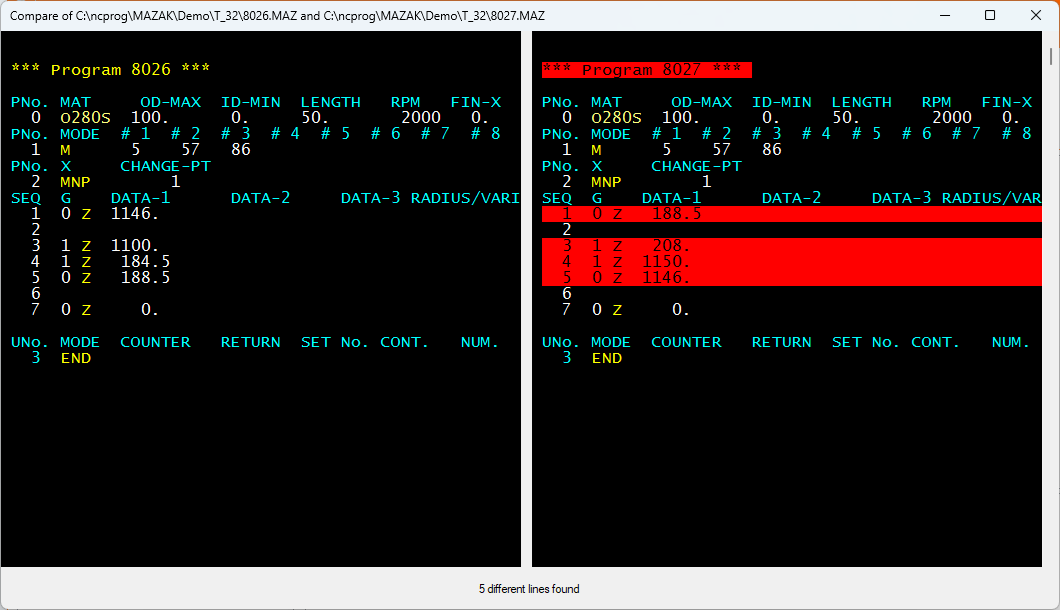
Compare two different Mazatrol programs side by side and quickly see which lines have changed. Differences are highlighted, making it easier to review edits, verify revisions, and understand what changed between two program versions.
RS-232 communication
Communicate with Mazatrol controls equipped with an RS-232 port. A serial COM port or USB to RS-232 converter can be used for machine communication.
File conversion and import
MazView reads and previews formats including binary and ASCII Mazak Camware, RWT, Lyddekker, Facit N1060, PB* files and more. It can also import and convert files from Mazak Micro Disk System disks when your PC has an integrated 3.5" floppy drive.
Supported Mazatrol controls
- T1
- T2/T3/T4
- T32/T+
- M2
- M32/M+
- PC Fusion 640T
- PC Fusion/Variasxis 640M
- Mazatrol Matrix
- Mazatrol Matrix 2
- Integrex
- Smart
- Smooth
- Mazak robots
Some controls may not have RS-232 communication, but file viewing and organization are still available.
System requirements
- Windows 7 or higher, 32 or 64 bit
- .NET Framework 3.5
- Serial COM port or USB to RS-232 converter for machine communication